Is YouPro color correction free?
Yes. You get free monthly color correction credits as soon as you sign up, and nothing we return carries a watermark. Paid plans exist for high volume, not to unlock the looks.

Free color correction
Laptop too weak? Grade it on your phone.
Real After Effects grades, rendered in the cloud. No editor, no watermark, works on your phone.
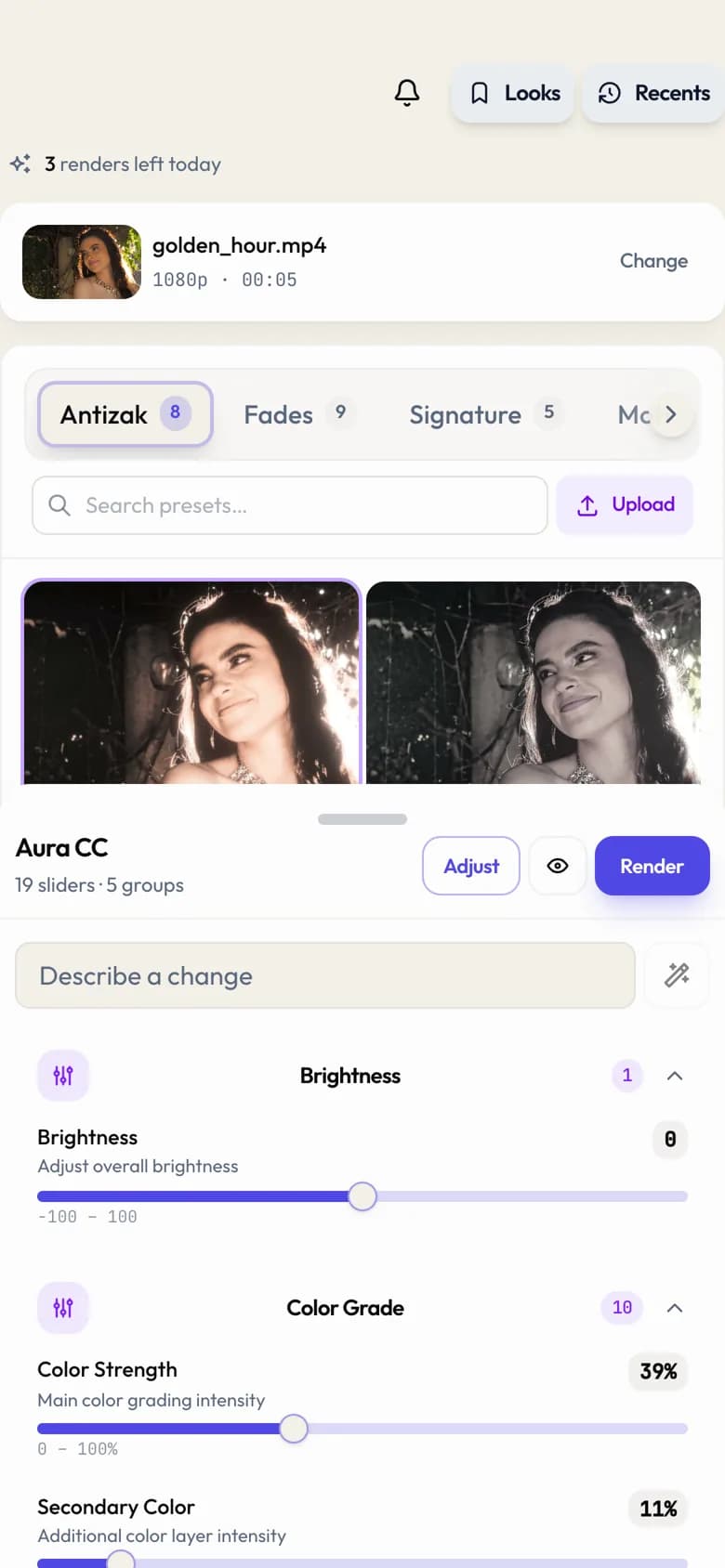
Free online color correction. Upload a clip, pick a look, and get back a graded watermark-free MP4. Every grade is a real After Effects preset rendered on our machines, so you get the look without owning the software. Want the raw presets for your own editor instead? Browse the free effects library. Or sharpen the footage first with the AI video upscaler.
Looks
A filter is one flat overlay pushed across the whole frame. These are multi-node grades, so shadows, midtones, skin, and highlights are handled separately. That is why a teal and orange pass keeps faces looking human.
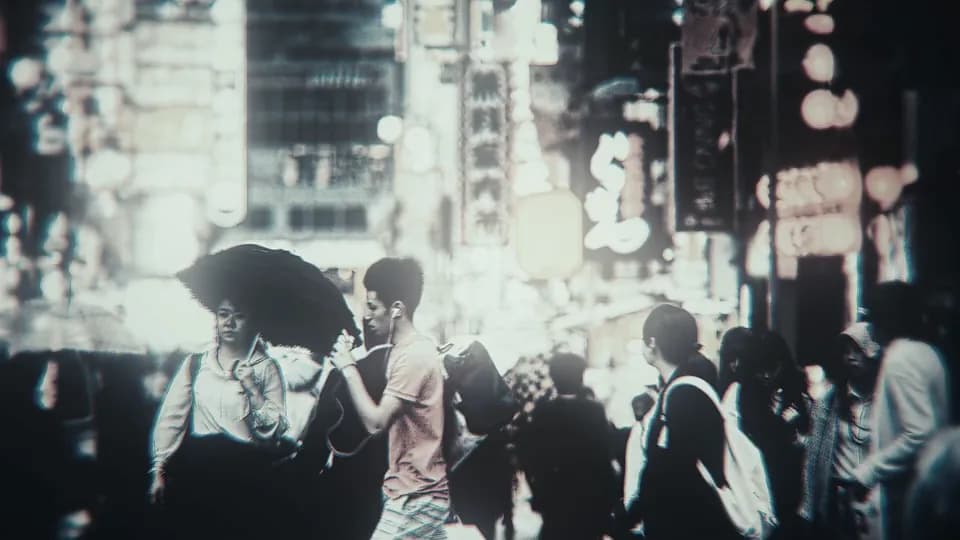

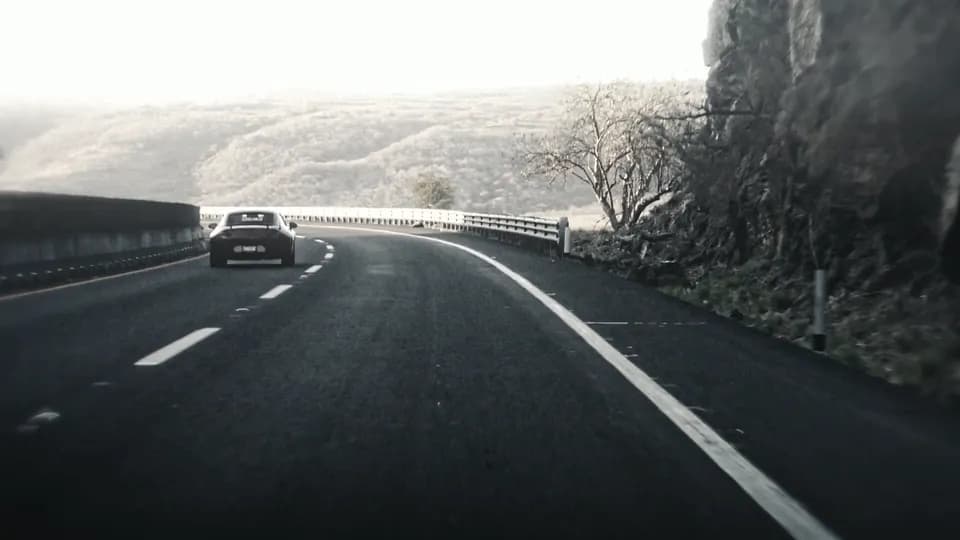

Plus your own: the preset panel takes uploads, and anything you add lands in your personal category next to the built-in packs.
Workflow
Drop an MP4, MOV, or MKV up to 2 GB. Straight from your camera roll works.
Browse the packs, tap a grade. Every look is a real After Effects preset.
Cloud machines render and hand back a graded MP4. No watermark, any plan.
Also useful: cinematic color grading for the teal and orange, dark, and warm aura film looks.
Questions
Straight answers on cost, formats, phones, and how this fits next to the editor you already use.
Yes. You get free monthly color correction credits as soon as you sign up, and nothing we return carries a watermark. Paid plans exist for high volume, not to unlock the looks.
No. The grades are real After Effects presets, but they render on our cloud machines. You upload a clip, pick a look, and download the graded MP4. You never install or license After Effects yourself.
Yes. Color correction has a dedicated mobile layout. You can upload from your camera roll, browse looks in a full-screen sheet, and download the result without touching a desktop.
You do not need them. YouPro applies the grade to your clip and hands back a finished MP4, so you can drop the graded file straight into a CapCut or Alight Motion timeline and keep editing, or post it as is.
MP4, MOV, and MKV up to 2 GB per clip. Footage from a phone, a camera, a screen recording, or a download all work the same way.
A filter is a single flat overlay. These are multi-node grades built in After Effects, so shadows, midtones, skin tones, and highlights are treated separately. That is why a teal and orange grade keeps faces looking human instead of turning everyone orange.
Yes. The preset panel has an upload option, and anything you add lands in your own Mine category alongside the built-in packs.